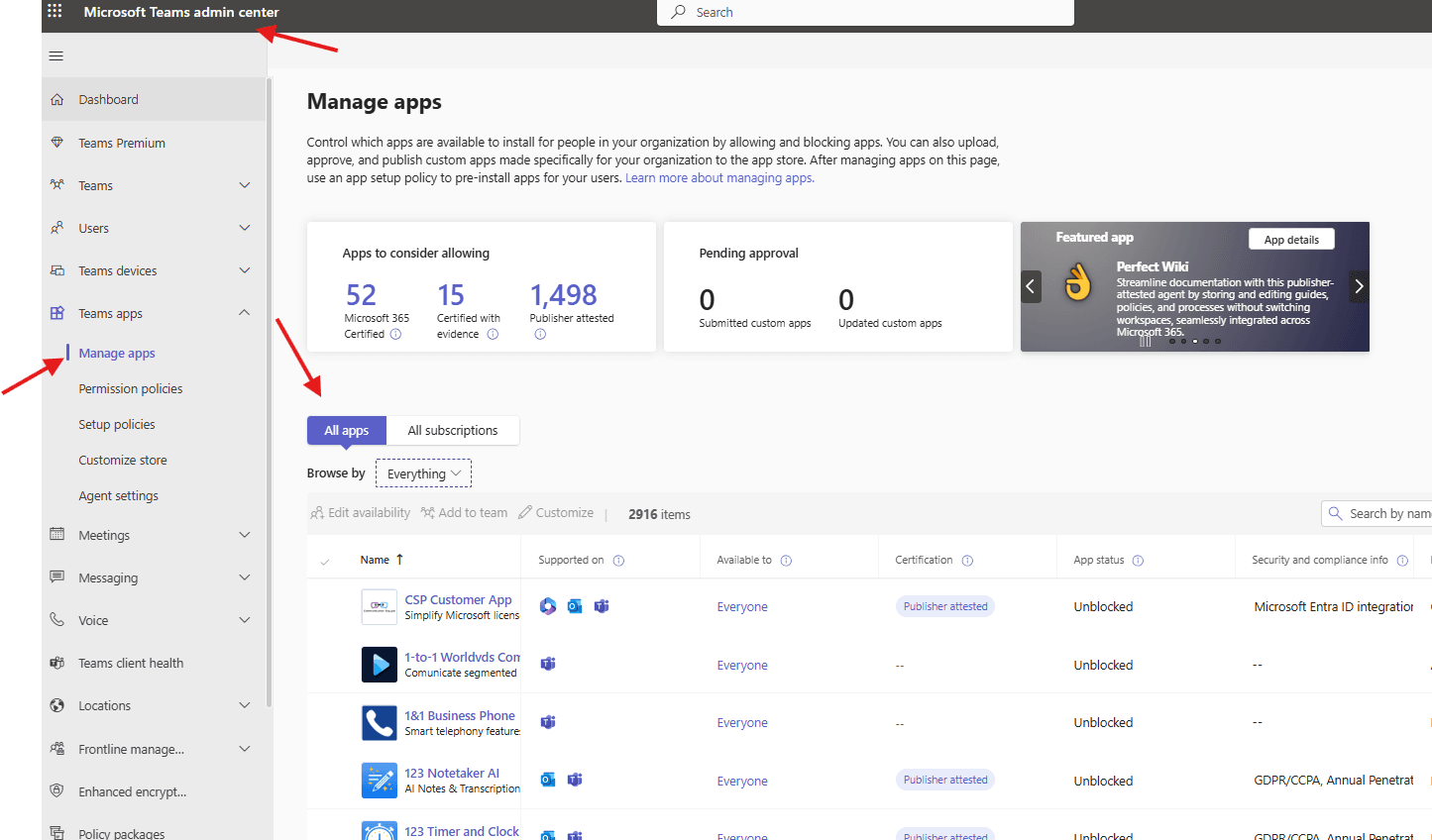
This article talks about on how to manage apps in Microsoft Teams
Manage apps
Manage apps means control which apps are available to install for people in your organization by allowing and blocking apps. You can also upload, approve, and publish custom apps made specifically for your organization to the app store
Lets do it step by step :
Open Teams admin center : https://admin.teams.microsoft.com/
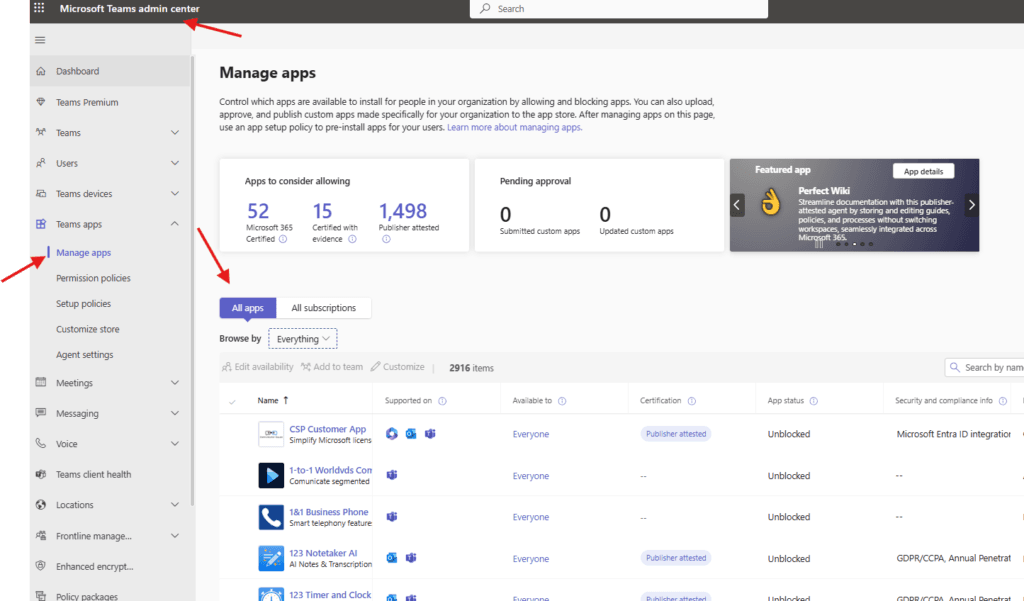
Navigate to Teams apps –> Manage apps –> All apps
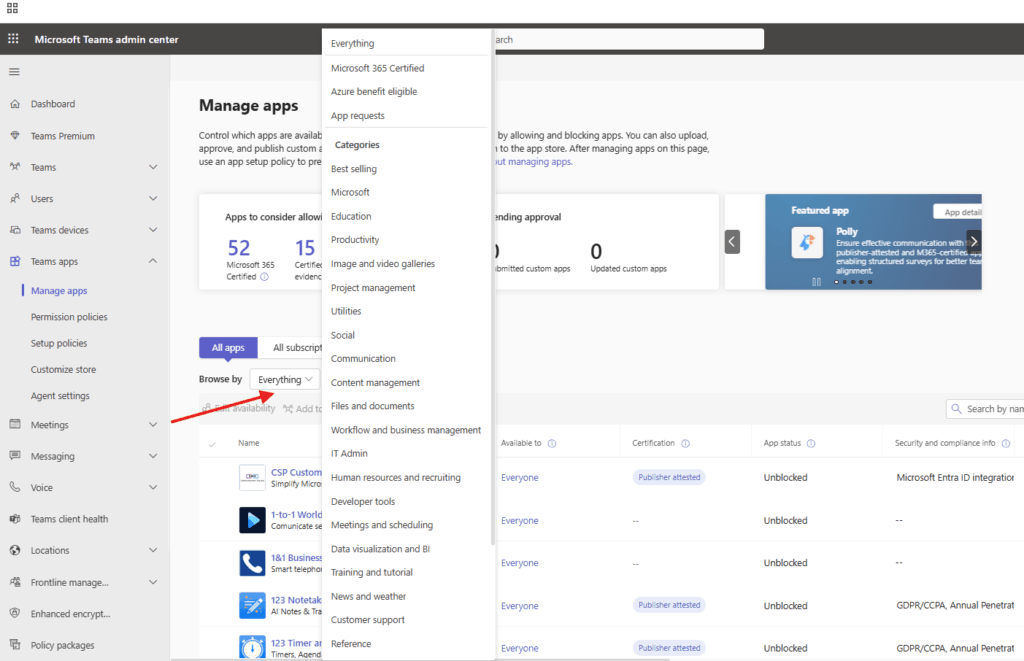
Click on the everything option and you will be able to see different type of categories shown below
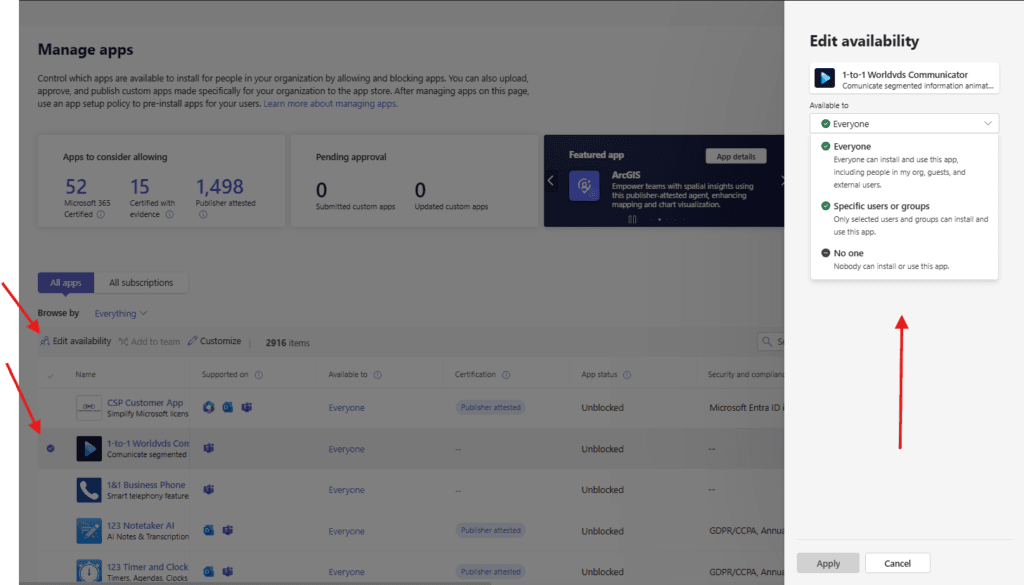
you can choose deployed apps from the given list then hit edit availability–> you can choose Available to
Or else you can upload the customized app from here
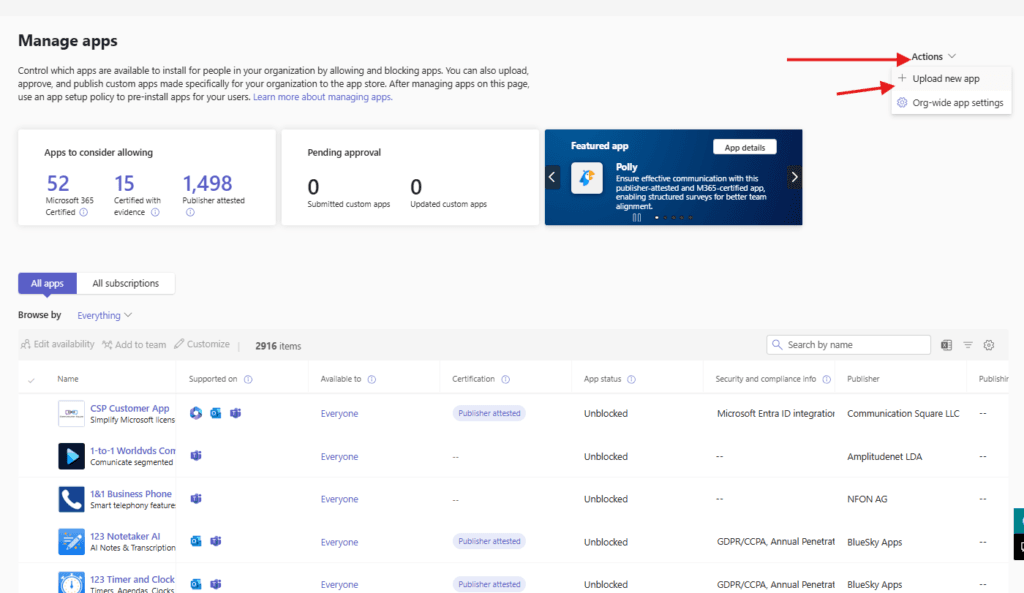
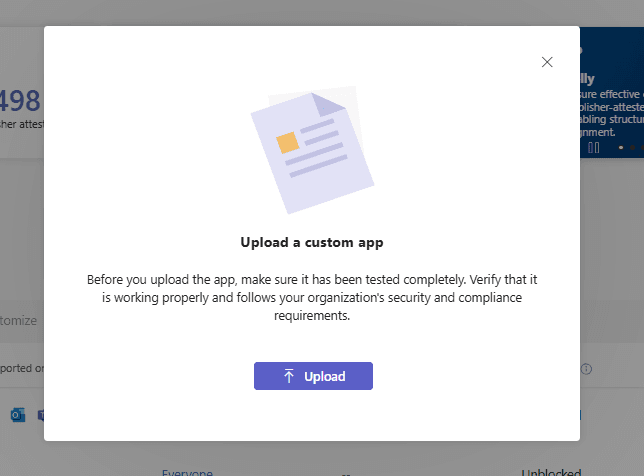
hit upload
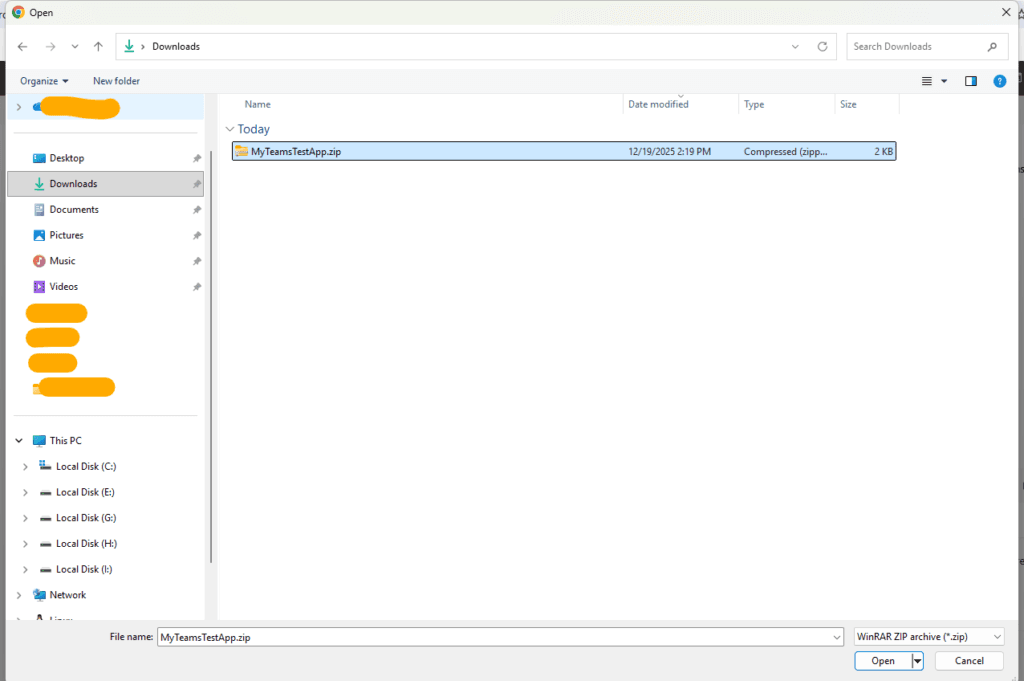
then navigate to the zip file where we have all manifest
uploading done
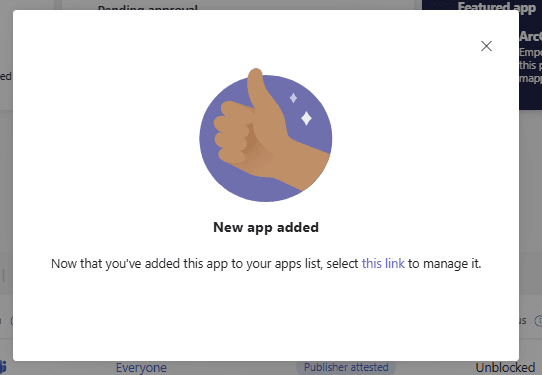
app will be visible here
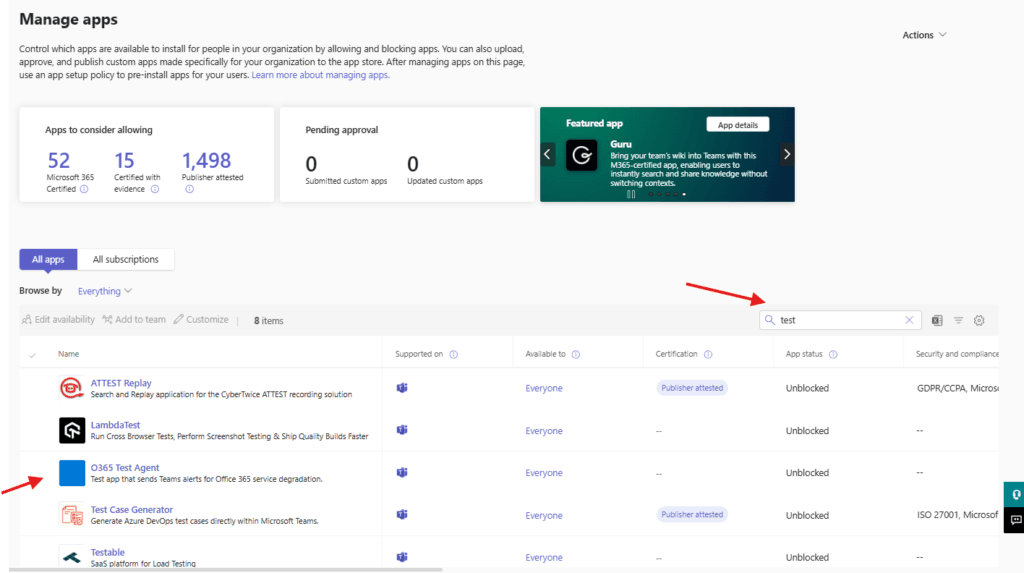
click on it
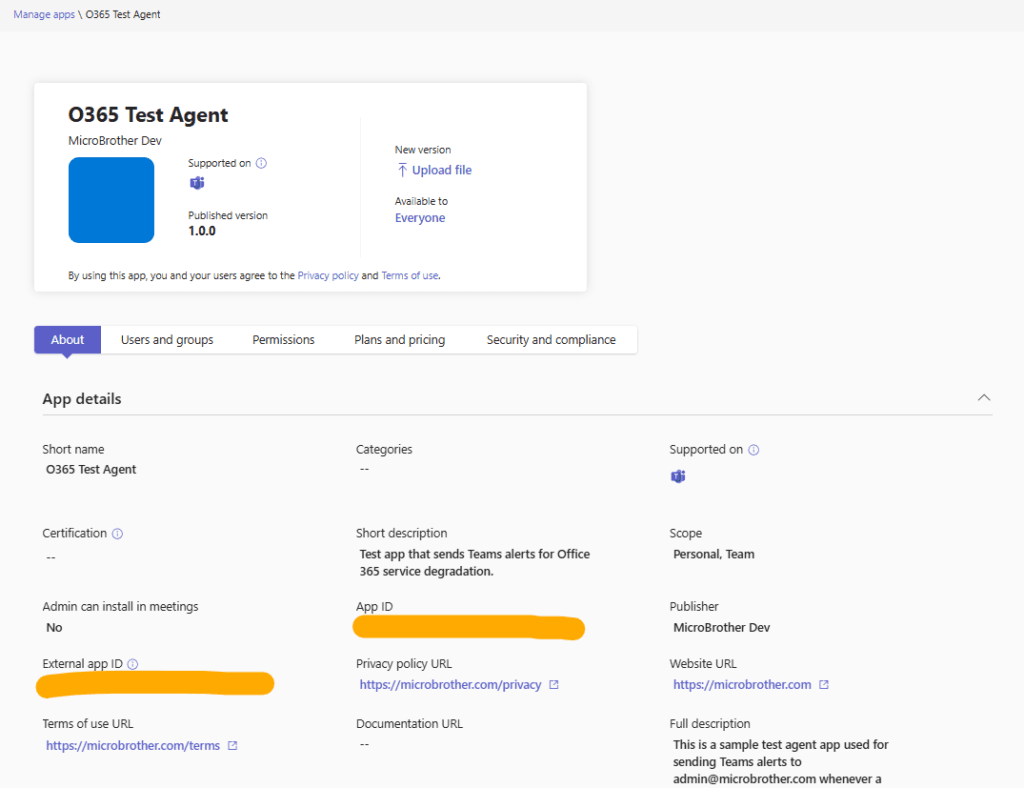
under users and groups tabs you can assign it to the set of the users
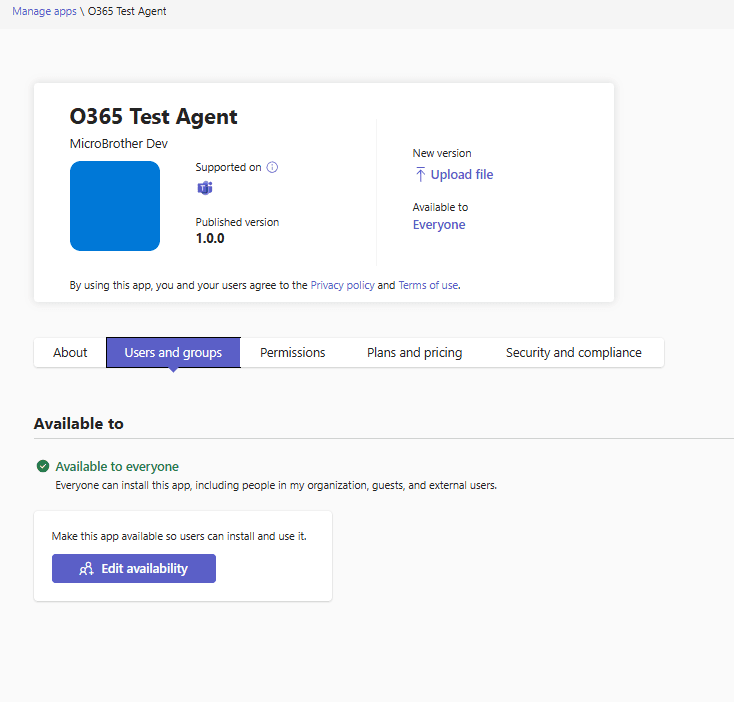
In case if you want to block or delete the deployed app then click on actions and take necessary steps
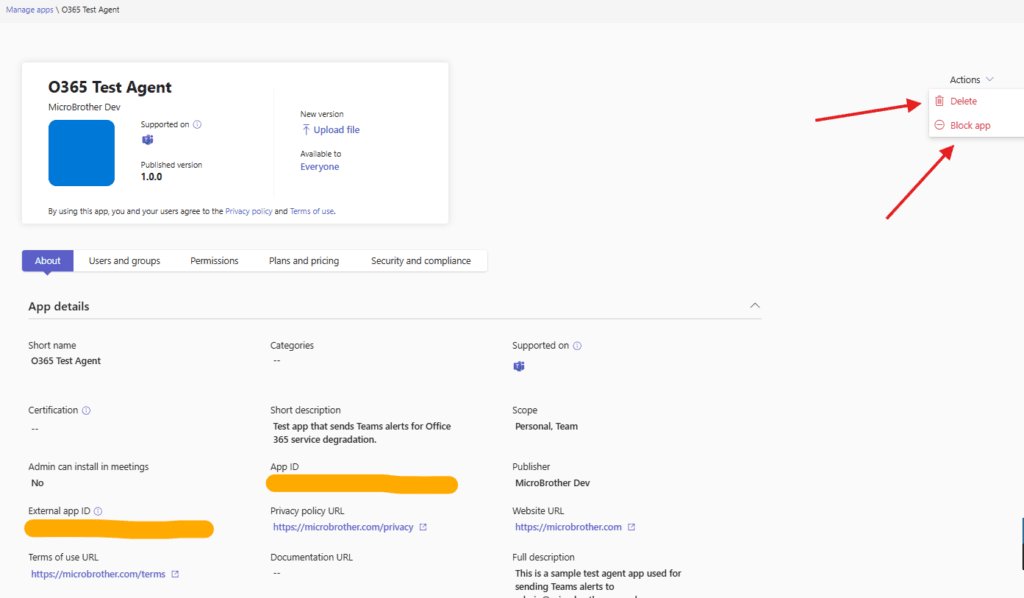
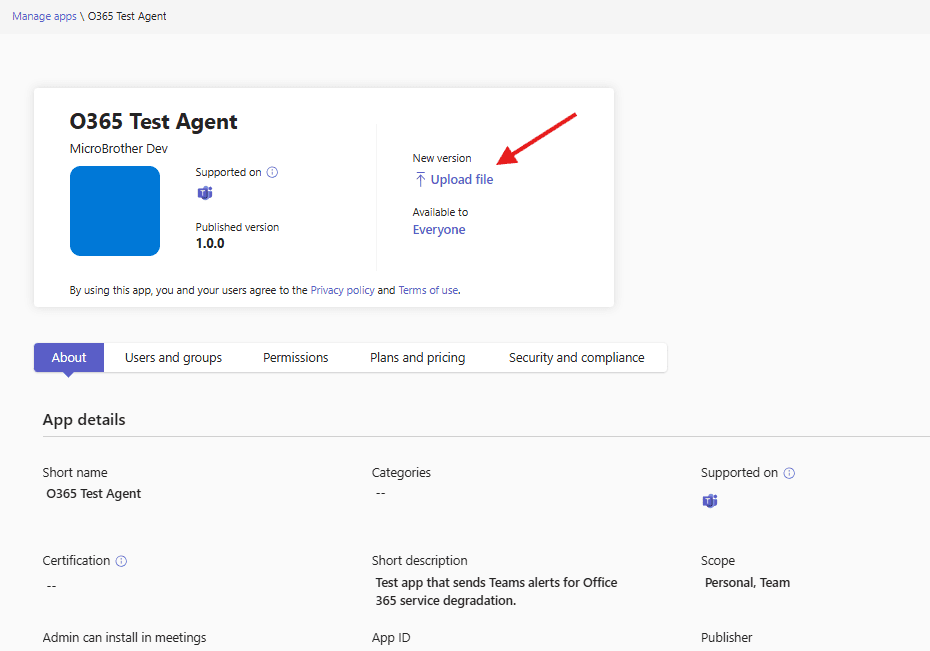
You can upload updated version of the app from here
Conclusion
Post reading above article user will be able to manage and upload the apps in Microsoft Teams
You can also read https://microbrother.com/streamline-b2b-member-access-in-microsoft-teams/ this article to understand B2B member access
Thank you 😇