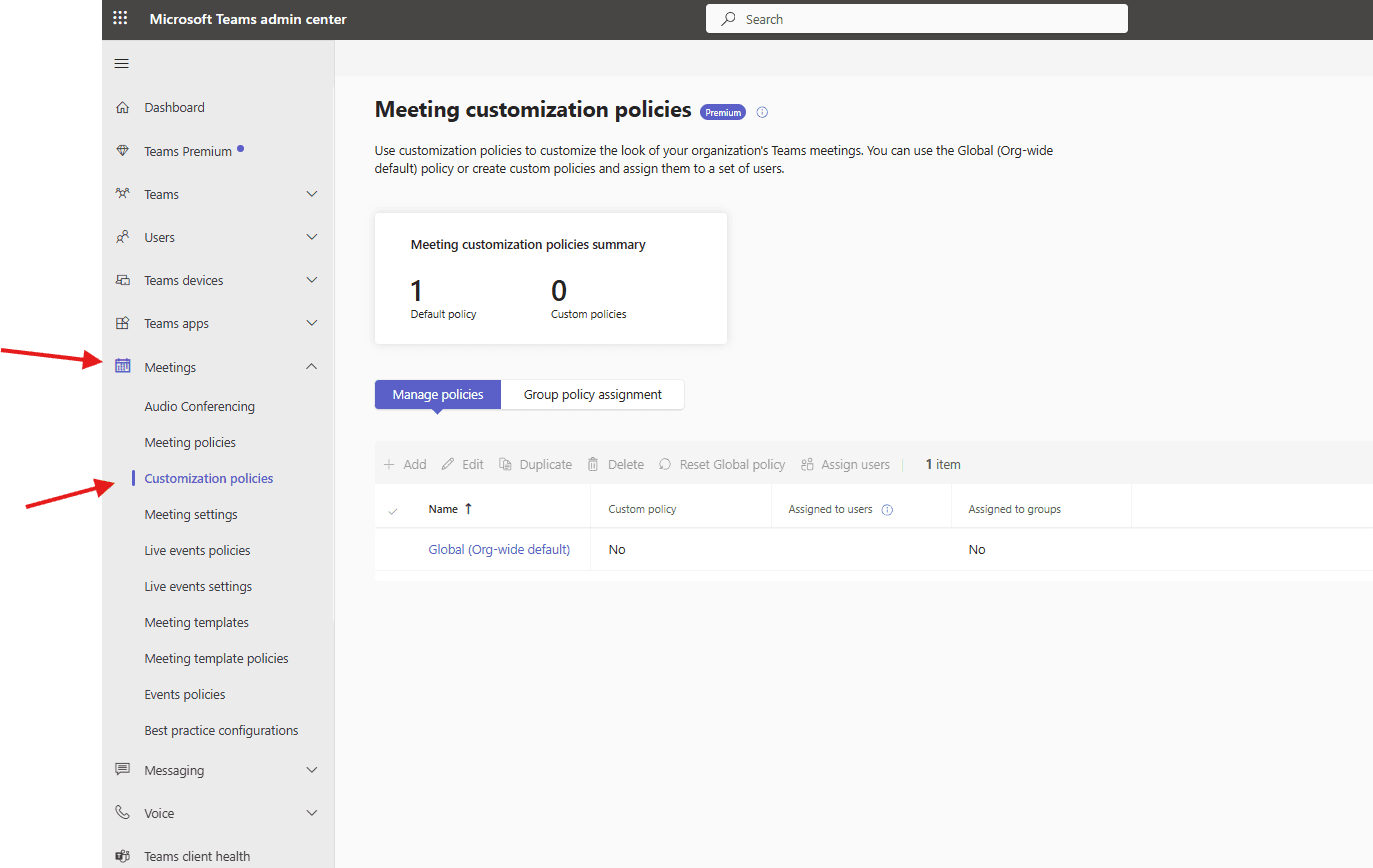
This article talks about Meeting customization policies in Teams admin center
Meeting customization policies
Meeting customization policies in Microsoft Teams, managed via the Teams admin center, allow admins to control user meeting experiences, including visual branding (logos, backgrounds, colors via Teams Premium), recording settings, content sharing options, and template availability, enabling tailored settings for different user groups through custom policies assigned to individuals or groups, overriding the default global policy
Lets do it step by step
Login to Teams admin center: https://admin.teams.microsoft.com/
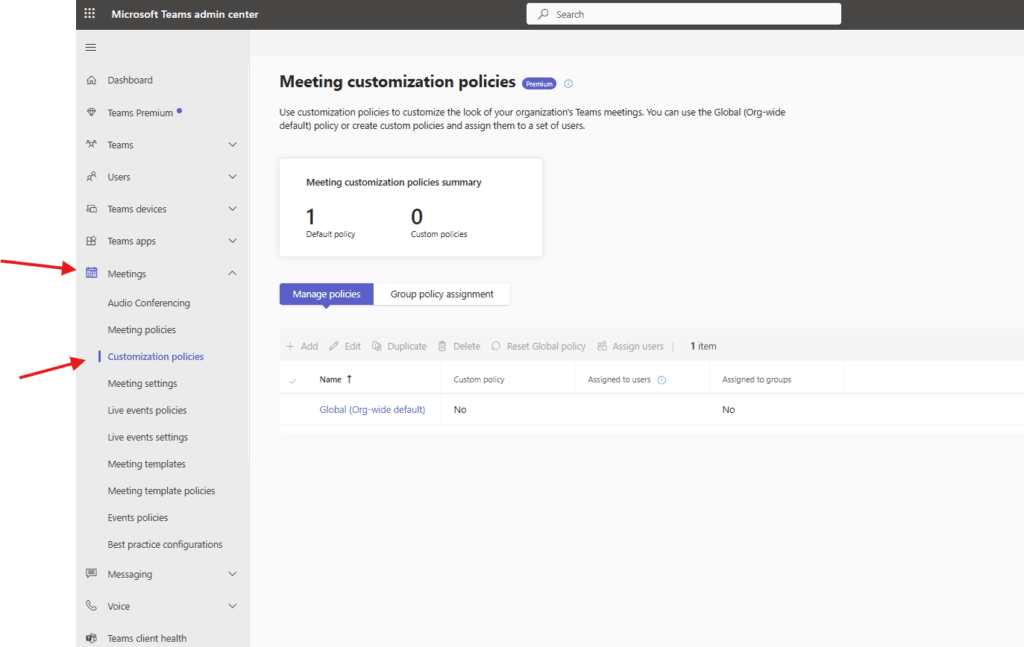
Navigate to Meetings–> customization policies
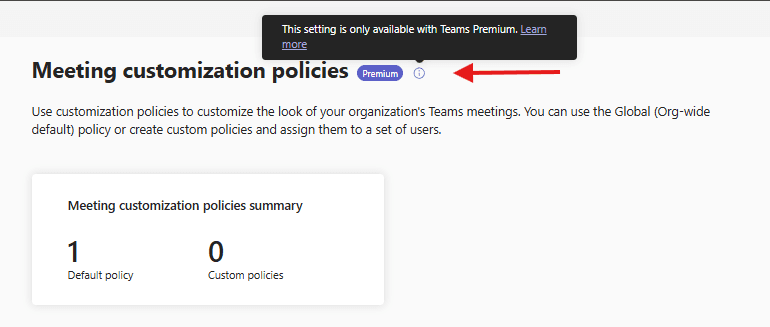
Meeting customization policies is available with Teams premium
Please check our https://microbrother.com/teams-premium-features-explained-quickly/ article in viz Teams Premium features are explained
Lets see Global policy
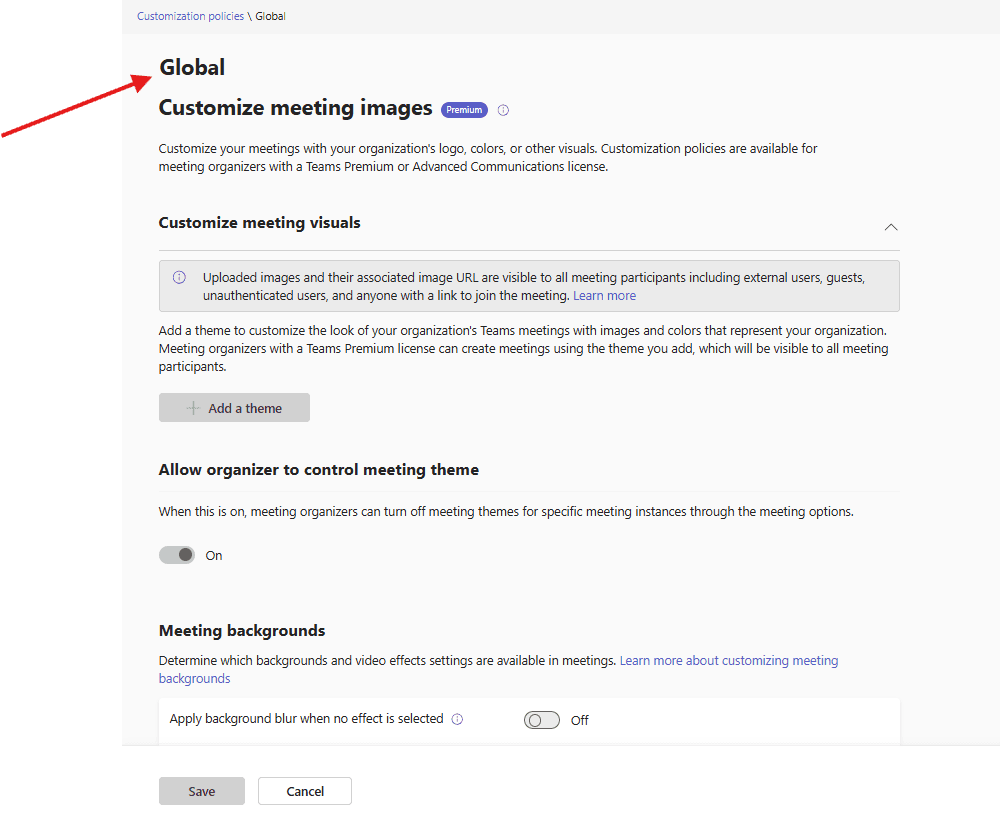
Customize meeting images : Customize your meetings with your organization’s logo, colors, or other visuals. Customization policies are available for meeting organizers with a Teams Premium or Advanced Communications license.
Add a theme: To customize the look of your organization’s Teams meetings with images and colors that represent your organization. Meeting organizers with a Teams Premium license can create meetings using the theme you add, which will be visible to all meeting participants.
Allow organizer to control meeting theme: When this is on, meeting organizers can turn off meeting themes for specific meeting instances through the meeting options.
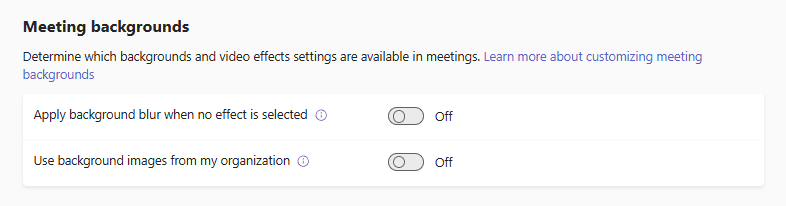
Meeting backgrounds :
It’s all about Meeting customization policies in Teams admin center
Conclusion:
Post reading above article reader will be able to understand and apply Meeting customization policies in Teams admin center
Thank you 😇