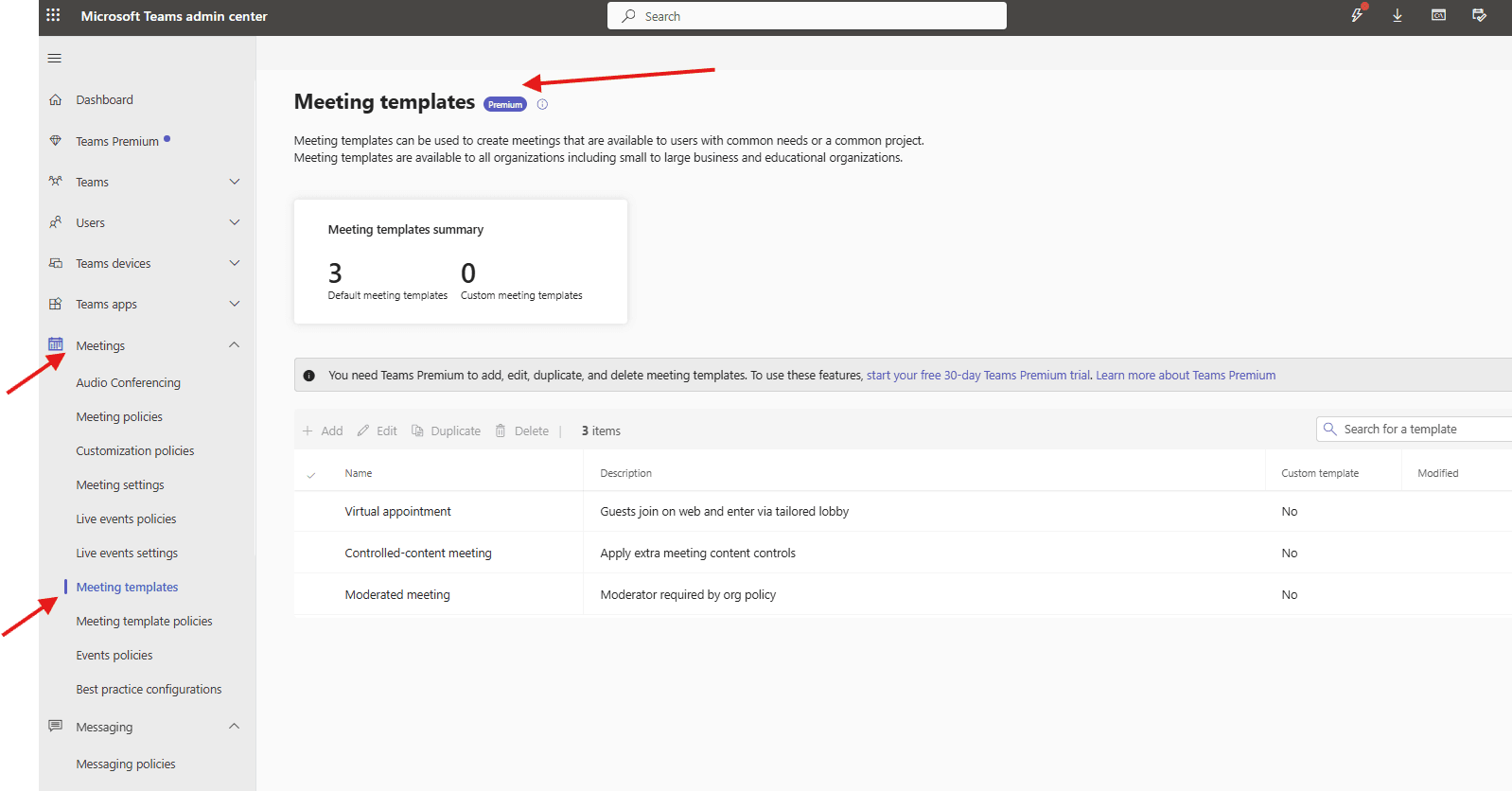
This article talks about Meeting templates in Teams admin center
Meeting templates
Meeting templates in the Teams Admin Center let admins preconfigure settings for consistent, controlled meeting experiences, using default or custom templates to manage lobby access, recording, chat, and sensitivity labels, especially with Teams Premium to enforce policies for different user groups, ensuring compliance and efficiency for recurring meeting types like virtual appointments or specific project meetings.
Lets create it step by step
Login to Teams admin center: https://admin.teams.microsoft.com/
Navigate to meetings –> meeting-templates
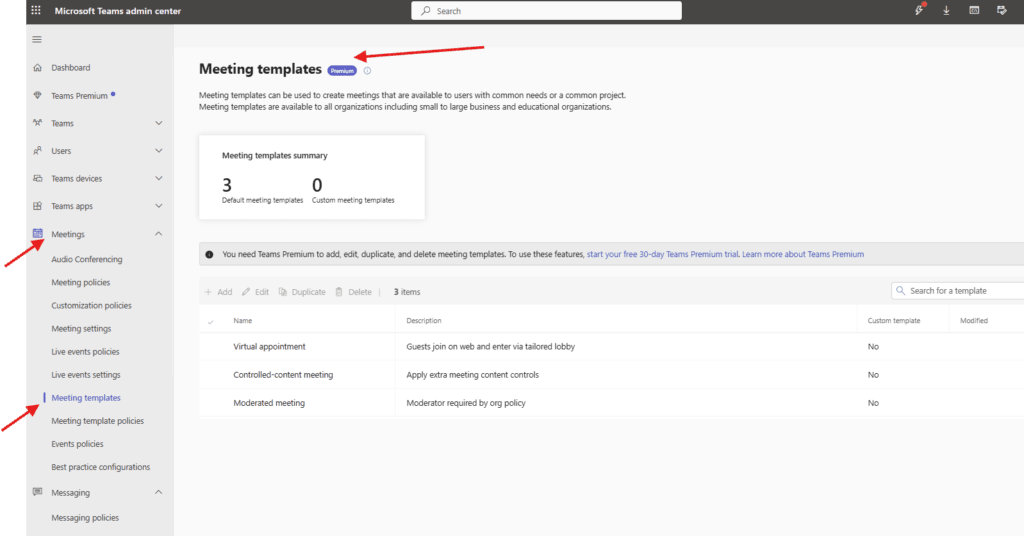
Meeting-templates can be used to create meetings that are available to users with common needs or a common project. Meeting templates are available to all organizations including small to large business and educational organizations.
Importantly You need Teams Premium to add, edit, duplicate, and delete meeting templates
Please read this article https://microbrother.com/teams-premium-features-explained-quickly/ where all features are explained
Meeting template policies
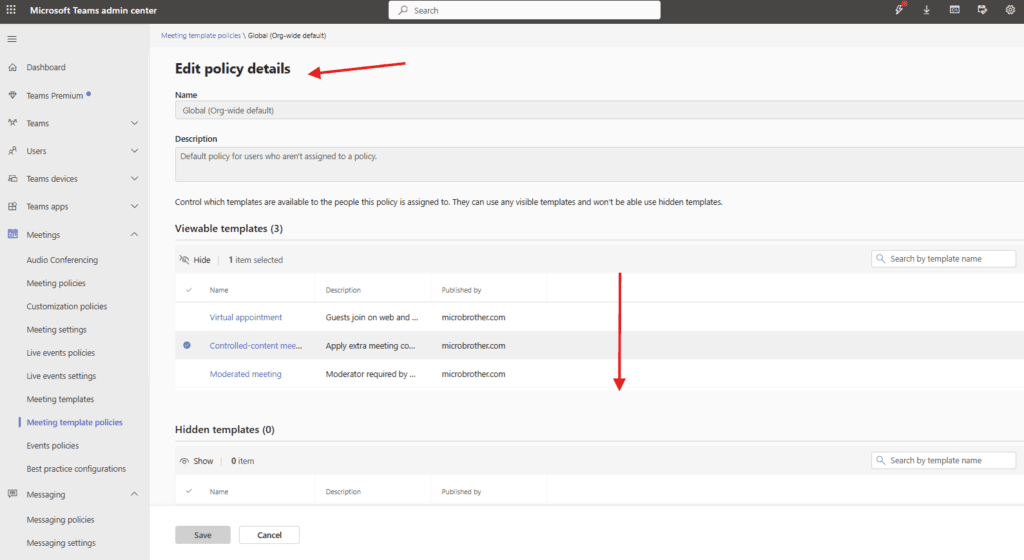
Meeting-templates policies let you create and set up policies that control what templates people in your organization can see. You can use the Global (Org-wide default) policy and customize it, or create custom policies
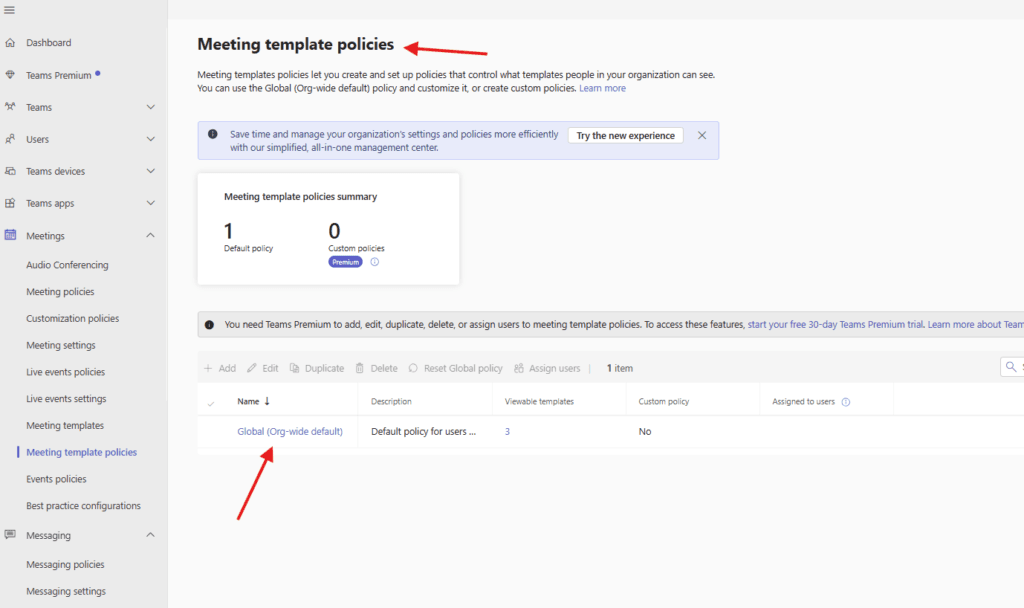
in order to create and use custom policy then should have Teams Premium license
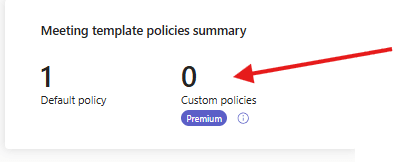
This is how Global policy looks like
Conclusion:
Post reading above article user will be able to create Meeting-templates and its policies in Teams admin center
Thank you 😇