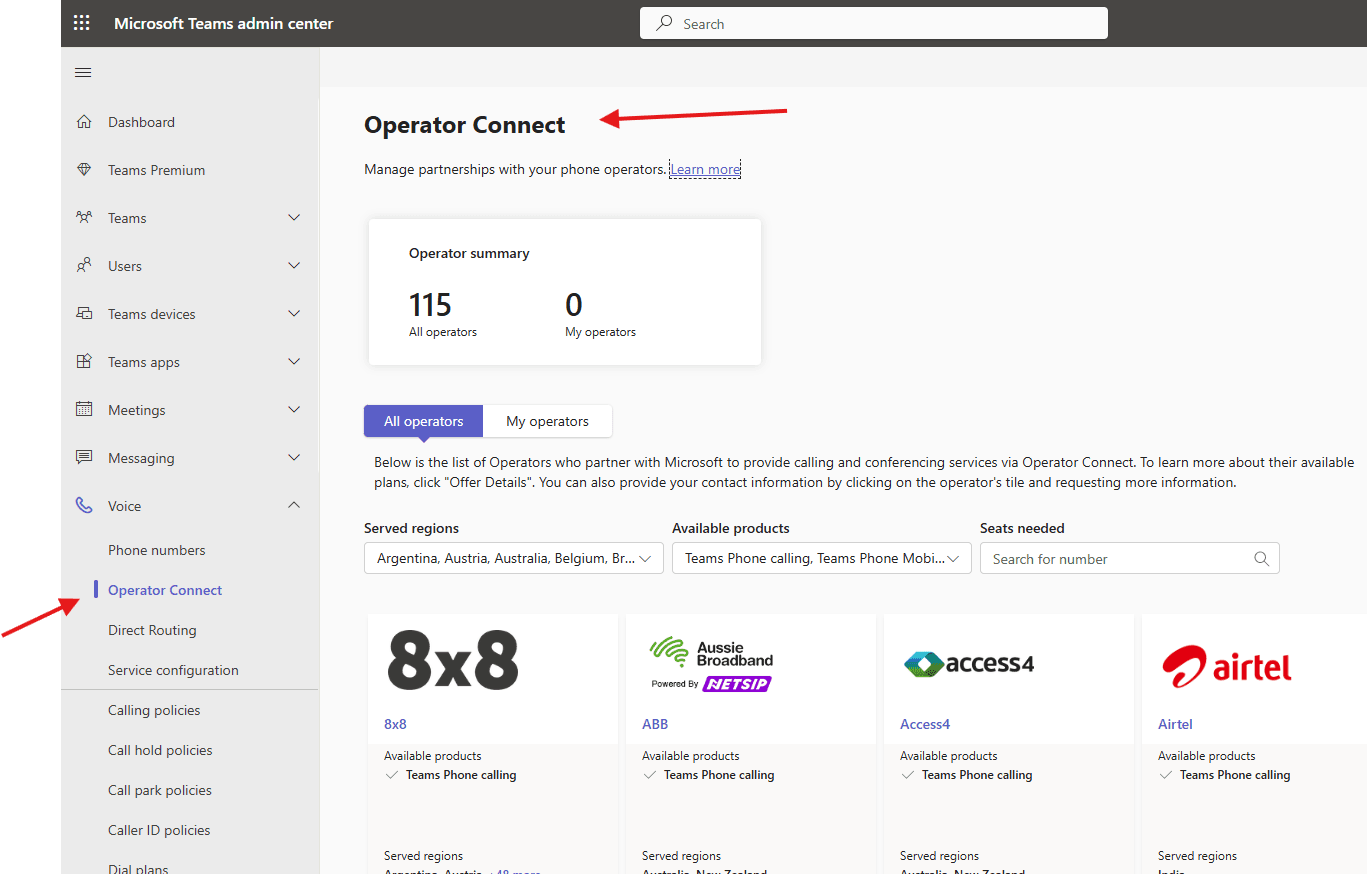
In this article we will talk about Operator Connect in Microsoft Teams
Operator Connect
Operator Connect is Microsoft-managed program allowing organizations to bring their existing telephony operators to Teams, enabling PSTN calling without managing complex infrastructure.
It streamlines voice connectivity directly through the Teams Admin Center, reducing the need for session border controllers (SBCs) and offering benefits like integrated, cloud-to-cloud management, improved reliability, and, in many cases, lower calling costs.
Operator-Connect options may be suitable for your organization in the following situations:
- Microsoft Calling Plans are not offered in your country or region.
- Your existing telecom provider is part of the Microsoft Operator Connect program.
- You are planning to select a new operator to activate calling capabilities within Microsoft Teams.
Lets see it step by step
Open Teams admin center : https://admin.teams.microsoft.com/
Navigate to TAC–> voice –> Operator Connect
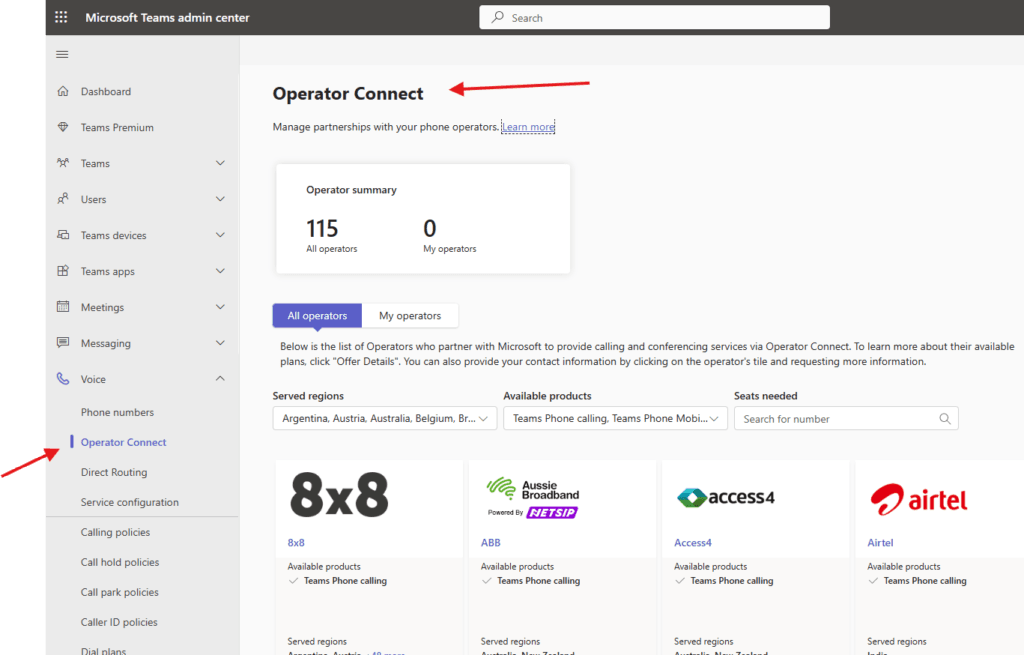
All operators –> You can see the list of Operators who partner with Microsoft to provide calling and conferencing services via Operator Connect.
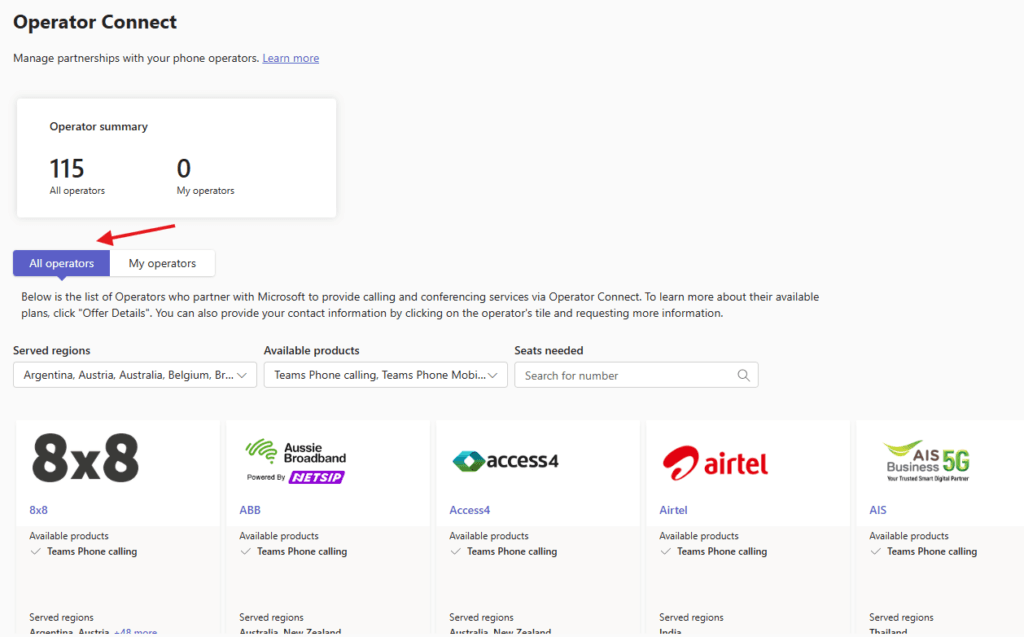
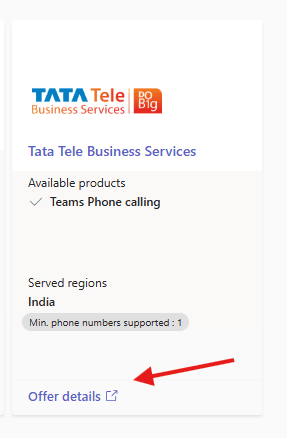
You can click on “Offer Details” to see the plans or You can also provide your contact information by clicking on the operator’s tile and requesting more information
you can select your region from drop down to see all available operators
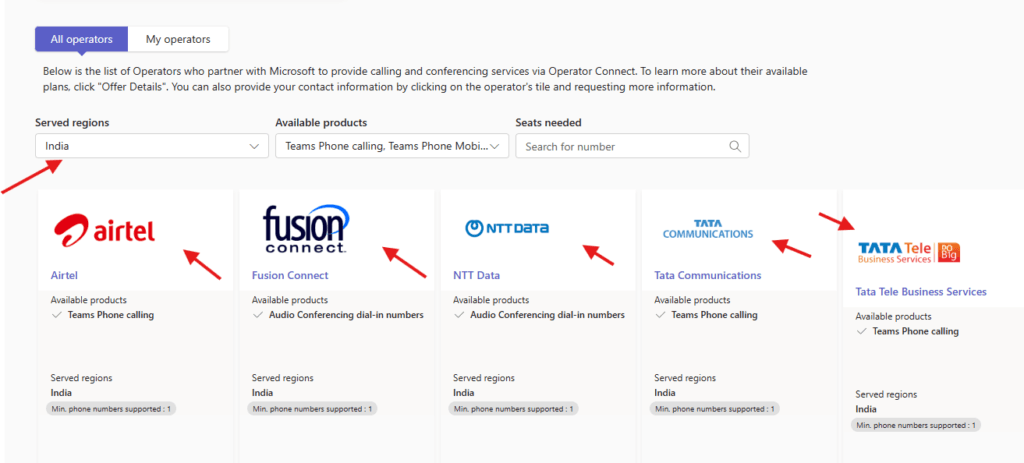
Once I clicked on offer details and it took to me the site of the operator check all details and choose pla accordingly.
SBC VS Operator connect
| Feature | Operator Connect | Direct Routing |
|---|---|---|
| Setup Complexity | Simple setup through Teams Admin Center | More complex setup requiring SBC and SIP trunks |
| IT Administration | Minimal ongoing administration through Teams Admin Center | Requires management of SBC and SIP trunks |
| Scalability | Scales by adding calling plans | Scales by increasing SBC capacity and SIP trunks |
| Carrier Options | Pre-approved carriers available in Admin Center | Flexibility to use your own carrier |
| Calling Plans | Preset calling plans provided by carriers | Customizable plans through SIP trunk providers |
| Voice Quality Control | Managed by Microsoft and the carrier | Full control using on-premises SBC |
| Cost Structure | Pay-per-user or shared calling plans | Opportunity to optimize costs using SIP trunks |
Conclusion:
Post reading above blog, reader will be able to deploy Operator Connect in Microsoft Teams
Also you can read https://microbrother.com/order-and-port-phone-numbers-in-ms-teams/ this article to order and port Phone numbers in MS Teams
Thank you 😇