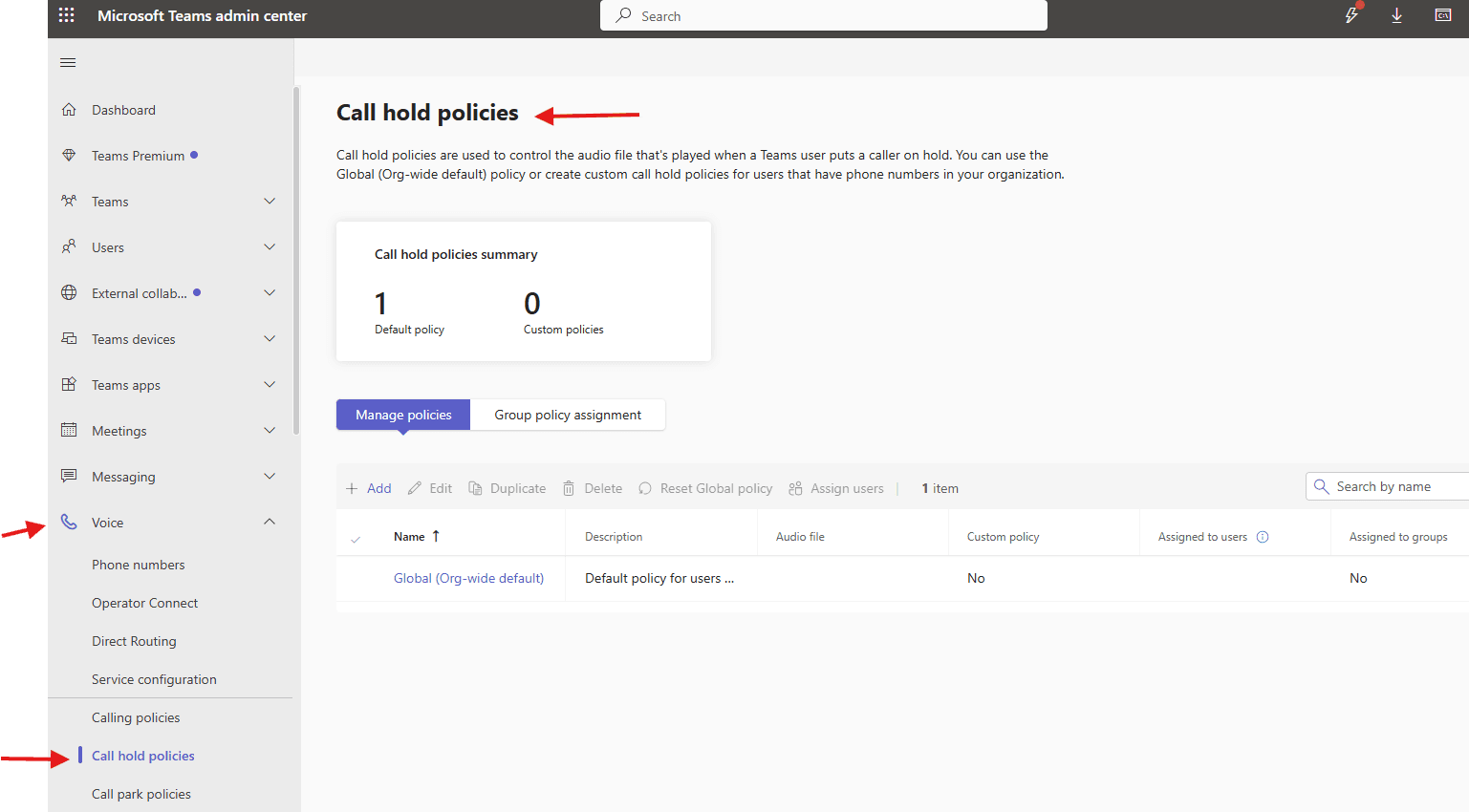
This article talks about Call hold policies in Microsoft Teams
Call hold policies
Call hold policies allow administrators to customize the audio experience (music or audio files) that external callers (PSTN) hear when placed on hold by internal users. These policies, configured in the Teams Admin Center, allow for uploading custom audio files (MP3, WAV, or WMA) to replace default hold
Lets apply Call hold policies step by step
Login to Teams admin center : https://admin.teams.microsoft.com/
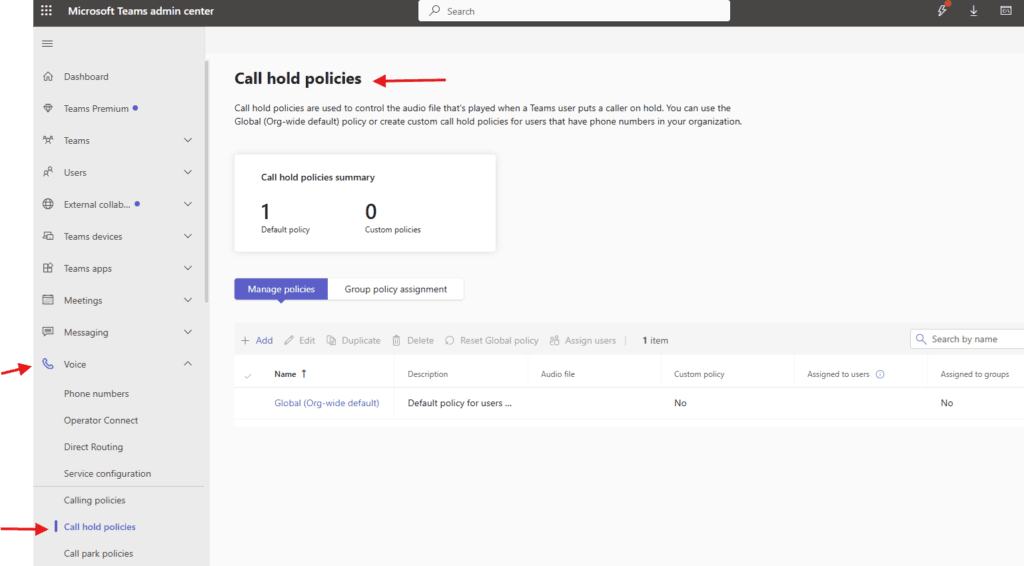
Navigate to TAC–> voice –> Call hold policies
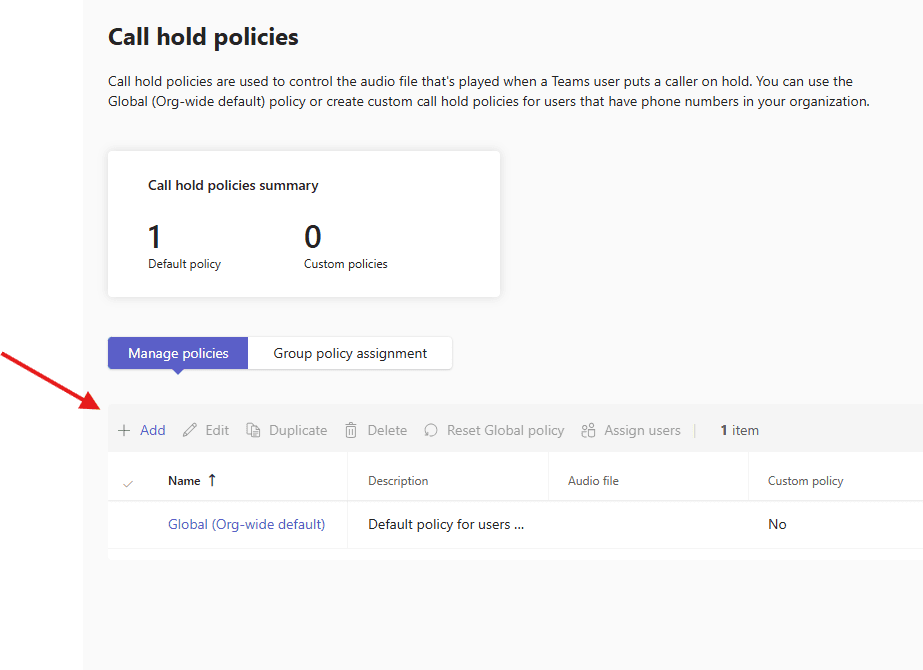
let’s add one
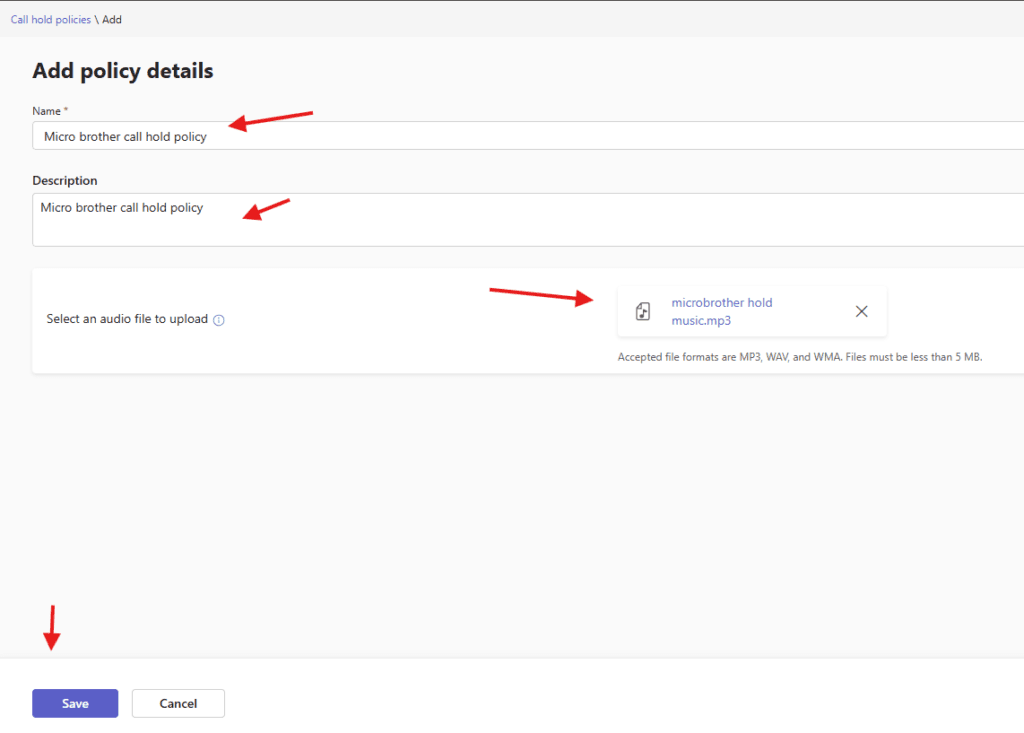
fill in all details and upload the mp3 file
I have create mp3 from here : https://toolspad.in/media-tools/text-to-speech
Open the generator from above link

Paste this script: ( modify as per your requirement )

Thank you for calling Microbrother.
We appreciate your call. All our representatives are currently busy assisting other customers.
Please stay on the line, and someone from our team will be with you shortly.

Select:

Language: English (India)

Voice: Female

Speed: Normal

Add Soft Corporate Background Music

Click Generate

Download MP3
finally save it and create it
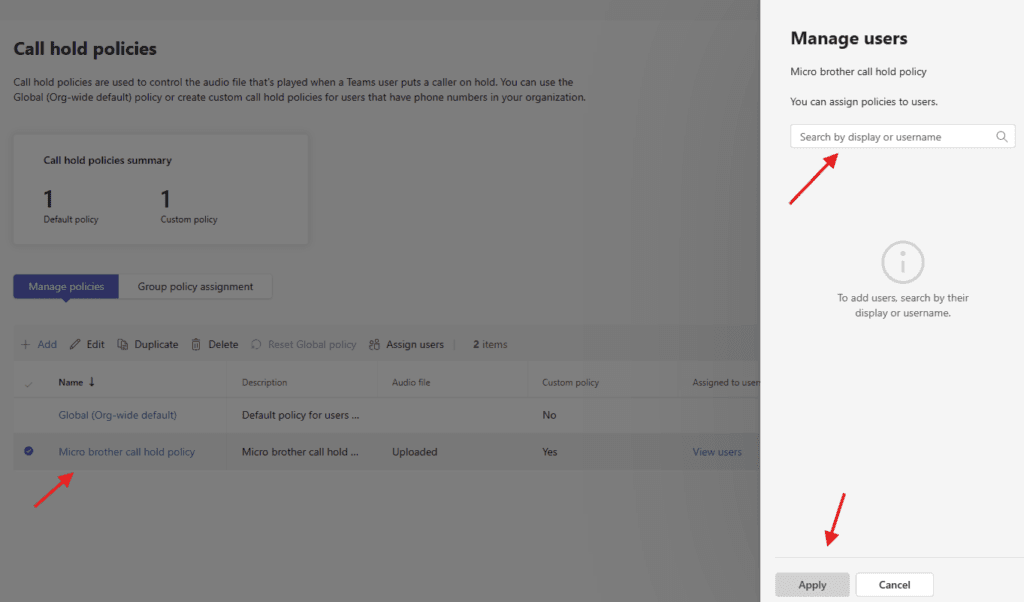
you can assign it to set of users
PowerShell script for above manual task:
# Define policy name
$PolicyName = "Microbrother_CallHoldPolicy"

# Create the call hold policy
New-CsTeamsCallHoldPolicy `
-Identity $PolicyName `
-AllowCallHold $true `
-AllowMusicOnHold $true `
-MusicOnHoldFile "C:\Music\TeamsHoldMusic.mp3"
We are done here
Conclusion:
Post reading above article reader will be able to create and manage Call hold policies in Microsoft Teams
Also you can read https://microbrother.com/calling-policies-in-microsoft-teams/ this article to create calling policies in Microsoft Teams
Thank you 😇